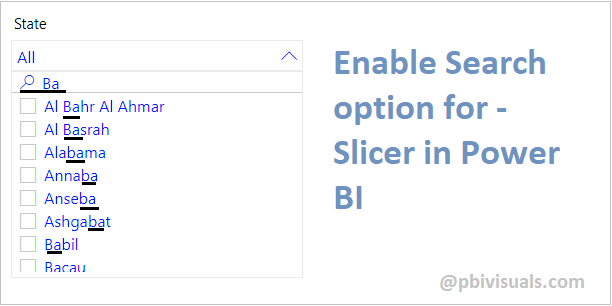
In this blog I will show you how you can enable search box for slicers. Slicer search box only works with Text values, it does not works with numeric or number values.
With default slicer you have to move scrollbar up and down in order to find particular values on slicer.

Add search box in slicer-
Hover the mouse on slicer > click on Ellipsis icon > then click on Search.

Now you can see the search box in slicer and you can easily find the particular values on slicer.

Search box does not support number values-
Now drag any number value column on slicer-

After that hover the mouse on slicer and click on ellipsis icon, and you can see in below screen shot there is no search option for numbers value.

Refer more Power BI Post – Power BI
Hope you enjoyed the post. Your valuable feedback, question, or comments about this post are always welcome.
